
There is nothing more agonizing than sitting down to watch a massive football derby, Champions League final, or UFC title fight, only for the screen to freeze with a spinning buffering wheel right as the action peaks.
While amateur IPTV re-sellers host streams on cheap, unmanaged virtual private servers that crumble under high peak concurrency, buffering is often caused by localized networking bottlenecks, Wi-Fi interference, or Internet Service Provider (ISP) traffic throttling. Here is our master engineering guide to achieving 100% buffer-free 4K streaming.
Fix 1: Switch to a Direct Wired Ethernet Cable
Wi-Fi is convenient, but radio frequency waves are notoriously susceptible to packet drop. Walls, microwave ovens, baby monitors, and neighboring Wi-Fi networks create micro-interruptions that go unnoticed while browsing web pages but ruin real-time live UDP streaming.
The Fix: Connect your Smart TV, Android Box, or Firestick directly to your router using an Ethernet cable. For Firestick users without an Ethernet port, an inexpensive Amazon Ethernet Adapter for Fire TV ($14 on Amazon) connects via micro-USB and delivers zero packet loss.
Fix 2: Bypass ISP Throttling with an Encrypted Tunnel
Major broadband providers (Comcast, AT&T, Virgin Media, BT, Sky, Vodafone) employ automated Deep Packet Inspection (DPI). During high-traffic Saturday afternoons or Sunday evening matches, their algorithms detect streaming protocols and throttle the subscriber’s speed to prevent neighborhood network strain.
The Fix: When your speed drops during peak matches, launch an encrypted VPN (such as ExpressVPN or NordVPN) using the WireGuard protocol. The encryption disguises your traffic, preventing your ISP from identifying and throttling your stream.
Fix 3: Switch to High-Speed Public DNS (Cloudflare or Google)
Most home routers automatically use your ISP’s default DNS servers. These servers are often slow to resolve streaming hostnames and frequently implement regional IPTV blocking.
• Recommended Primary DNS: 1.1.1.1 (Cloudflare – Fast & Private)
• Recommended Secondary DNS: 8.8.8.8 (Google DNS)
Updating your DNS directly in your router settings or Firestick network configuration accelerates connection establishment and resolves intermittent stream timeouts.
Fix 4: Calibrate Buffer Size in Your IPTV Player
Most modern IPTV apps (TiviMate, IPTV Smarters Pro, XCIPTV) allow you to configure playback buffer depth:
- Open TiviMate ➜ Settings ➜ Playback ➜ Buffer Size.
- Change setting from None to Large (or Medium).
- This instructs the video player to buffer 3 to 6 seconds of data in your device’s RAM ahead of playback, acting as a shock absorber against momentary home Wi-Fi drops.
Fix 5: Switch Video Decoder (Hardware vs Software)
Video players use software decoders (CPU-heavy) or hardware decoders (GPU-based). If a 4K stream is stuttering or audio is desynchronized, change your player’s decoder setting from Software to Hardware (or Hardware+). Hardware decoding utilizes your streaming box’s dedicated video chip, resulting in silky-smooth 60 FPS playback with zero frame drops.
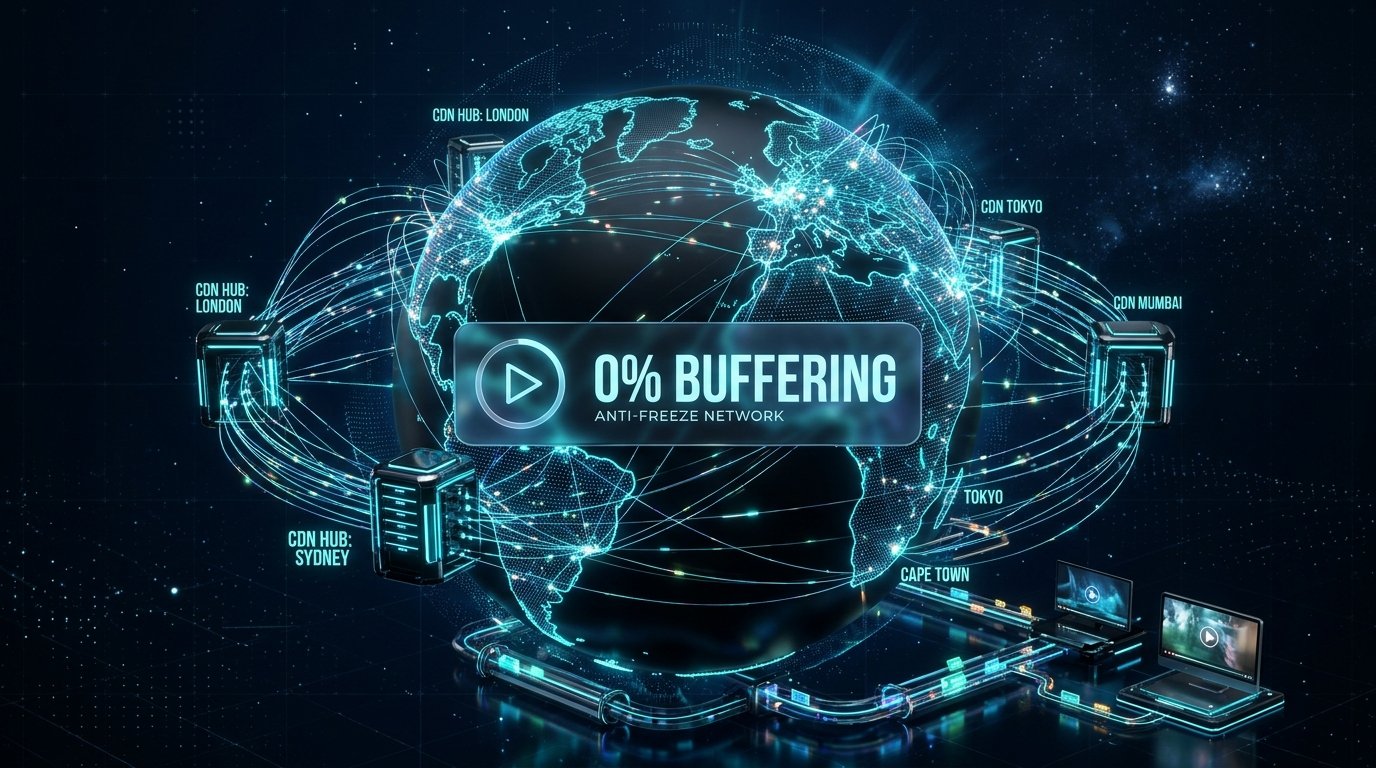
Fix 6: Use a Provider with Anti-Freeze CDN 9.3 Infrastructure
If you have optimized your home network and streams still freeze, the problem is 100% on the provider’s side. Budget IPTV services oversell servers and route thousands of streams through cheap unmanaged connections.
At NufuTV, we engineered our proprietary 9.3 Anti-Freeze CDN architecture. Our distributed load balancers continually monitor traffic spikes and dynamically route streams across high-capacity 10 Gbps server nodes worldwide, ensuring 99.98% uninterrupted uptime.
Experience Truly Buffer-Free 4K Streaming
Switch to NufuTV today. Powered by enterprise CDN servers for smooth live sports in 4K HDR with zero freezing.
Order Anti-Freeze Subscription on WhatsAppPublished by the NufuTV engineering team. Delivering enterprise-grade streaming reviews, installation tutorials, and cord-cutting insights to thousands of daily readers.
NufuTV 1-Year Pass
Unlock 25,000+ channels, 4K sports & 100,000+ VOD for just $7.49/mo.
- ✓ 25,000+ Live Channels (4K/FHD)
- ✓ All Premium Sports & PPV
- ✓ 9.3 Anti-Freeze CDN
- ✓ 3-Min Instant WhatsApp Setup
Need Setup Help?
Our technical agents are online 24/7 on WhatsApp to assist you with device configuration.
Chat with Tech Support →